
Dashboard
See all your projects and recent activity in one place.
See how each project is doing, choose your languages, and decide whether AI is on.
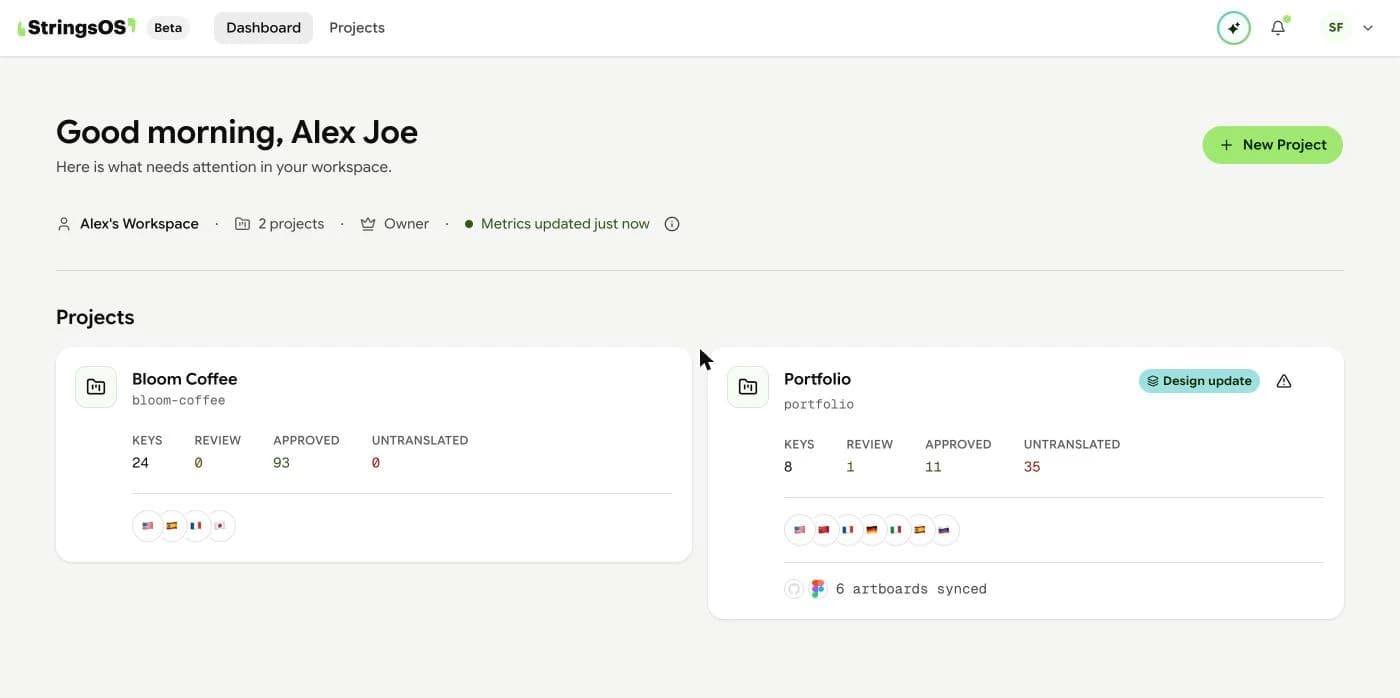
Navigation
Create a project here, then choose its languages.
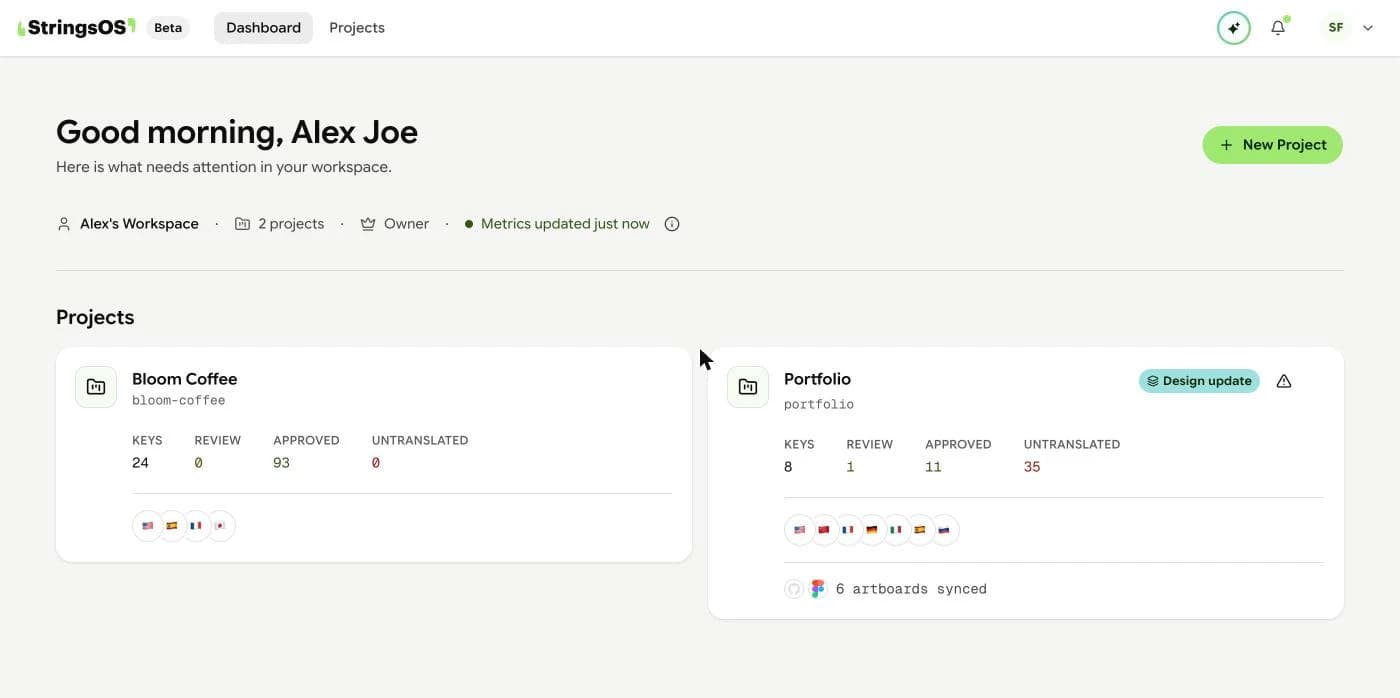
Overview
See all your projects and recent activity in one place.
See how much text you have, how complete each language is, and which tools are connected.
Add or remove languages any time, including right-to-left languages and plurals (like “1 item” vs “2 items”).
Change project settings, turn AI on or off, or archive a project you no longer need.
You decide, project by project, whether AI suggestions are on. Turn them off and AI is completely disabled for that project. You can also archive projects you no longer use to keep your dashboard tidy.
Progress
The project overview shows how your project is doing: how much text you have, how complete each language is, and what your team has been up to. Check it before you release something new.
Settings
In project settings, you choose your languages. AI stays off until you switch it on for a project. When it’s on, the editor can suggest translations. Switch it off any time and your text stops being sent to the AI service.
Cleaning up
Archiving hides a project from your dashboard but keeps all its translations, which is handy for apps you’ve retired. If a project was created by mistake, you can delete it. Deleting can’t be undone: it removes all of the project’s text and history.
Open the translation editor to start translating.
Your dashboard is waiting for your first one.
Free during beta · No credit card required