
Add and edit text
Add a key with its original text, a group, and tags. You can fix typos any time.
A key is a label for one piece of text in your product, like a button or a headline. Keys are what you translate.
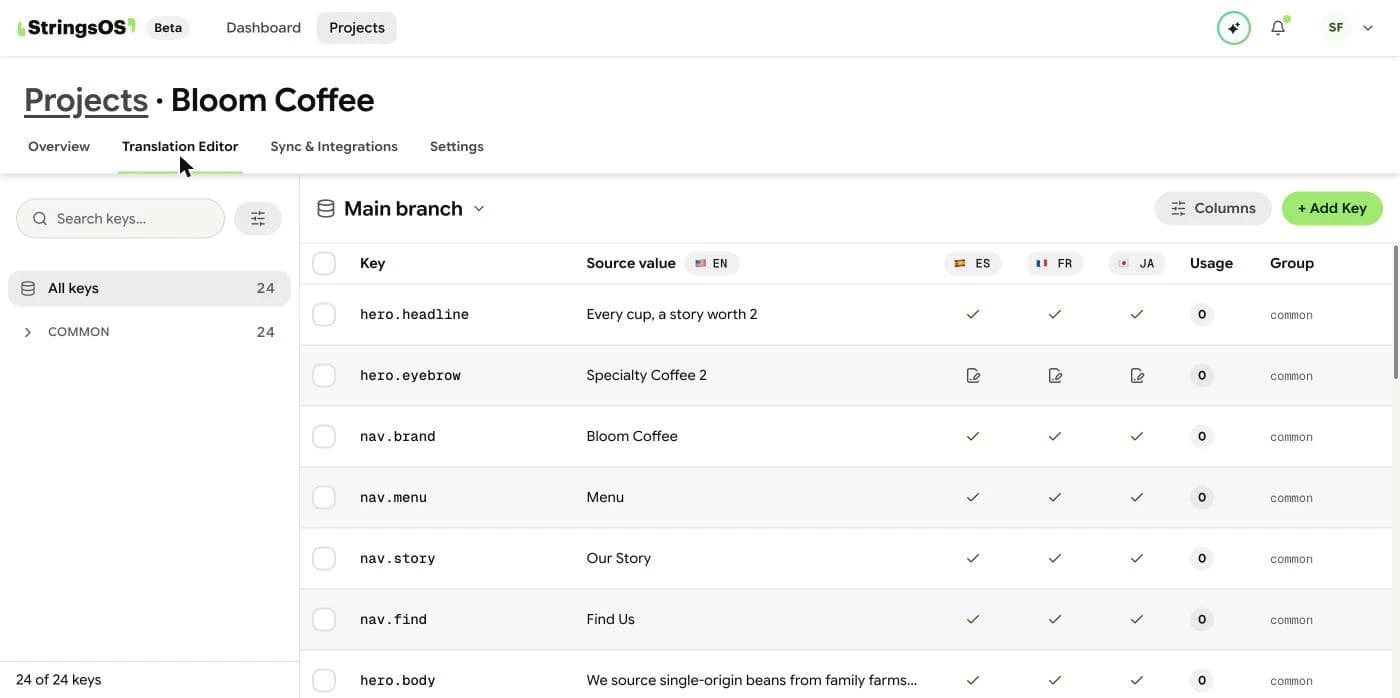
Navigation
Open the translation editor and choose Add Key.
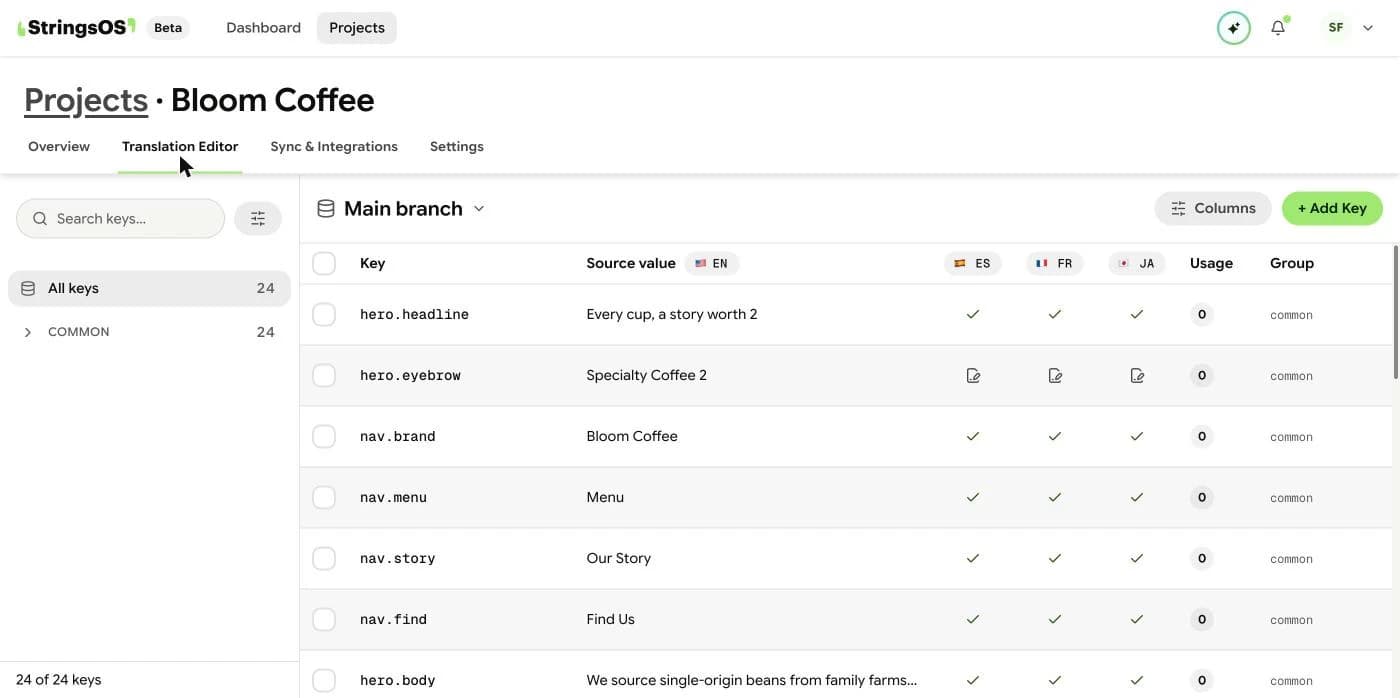
Organization
Add a key with its original text, a group, and tags. You can fix typos any time.
Sort keys into groups called namespaces, such as common, auth, or dashboard.
Find any key fast by searching, or filter by status like Untranslated or Approved.
Tools like Cursor and Windsurf can find existing keys or add new ones from your code editor.
A key is one piece of text in your product, such as a button label or an error message. StringsOS keeps a change history for each one.
Add text
You can add keys by hand in StringsOS, or let an AI coding assistant add them from your code editor. Keys live in groups (called namespaces), like onboarding, settings, or dashboard, so big projects stay manageable and two keys never clash.
Cleaning up
When you delete a key, it isn’t erased right away. It’s marked as deleted, so it won’t be exported to your live product, but you can still recover its translations if you need to. It stays that way until it’s permanently removed.
Let AI draft translations for your text.
Add your text to StringsOS and translate it your way.
Free during beta · No credit card required