
You’re in control
AI never changes your text on its own. It suggests, and you accept.
Get AI drafts for your translations, and approve every one yourself.
Navigation
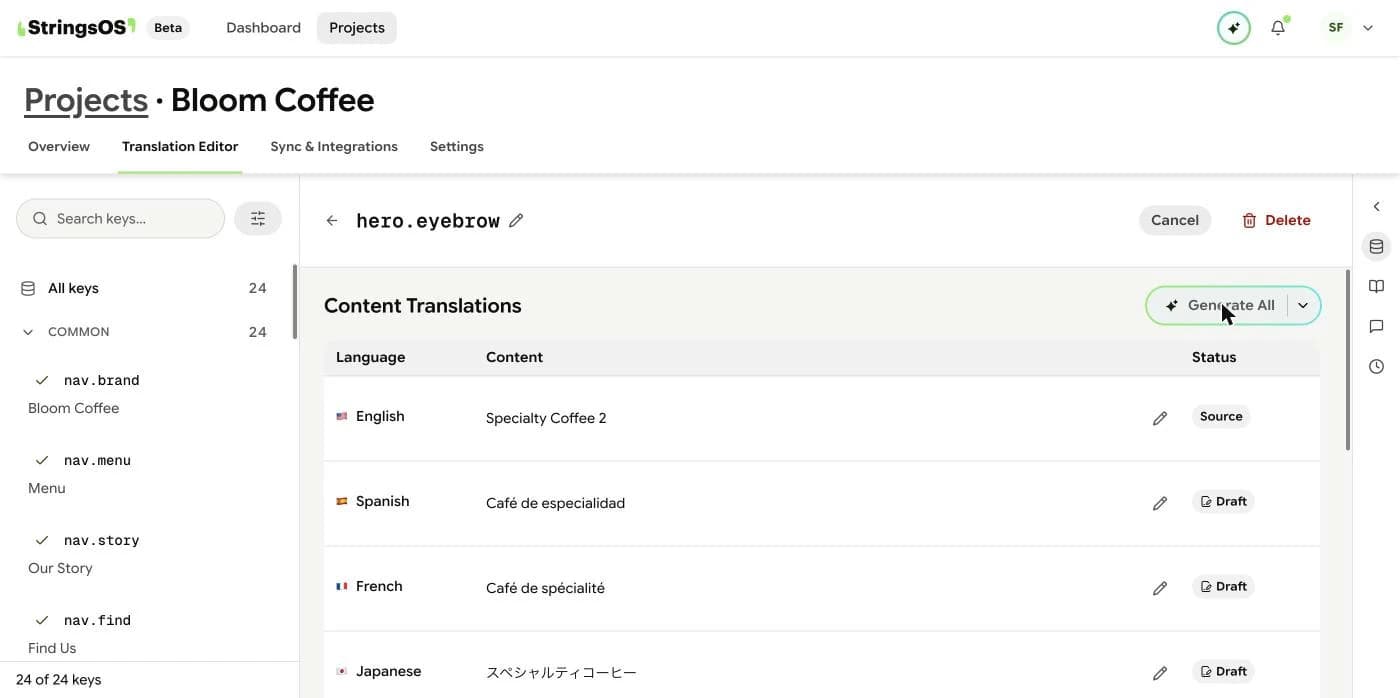
Open a piece of text in the editor, then use the AI panel.
How it works
AI never changes your text on its own. It suggests, and you accept.
Request a suggestion for any piece of text and language, right in the editor.
Every suggestion, and whether you accepted or rejected it, is saved in the history.
If you edit an accepted suggestion, StringsOS records it as an override.
That’s the main rule in StringsOS: AI suggests, people approve, and every important decision is recorded. AI is switched on per project, so sensitive projects can stay completely manual.
Get a suggestion
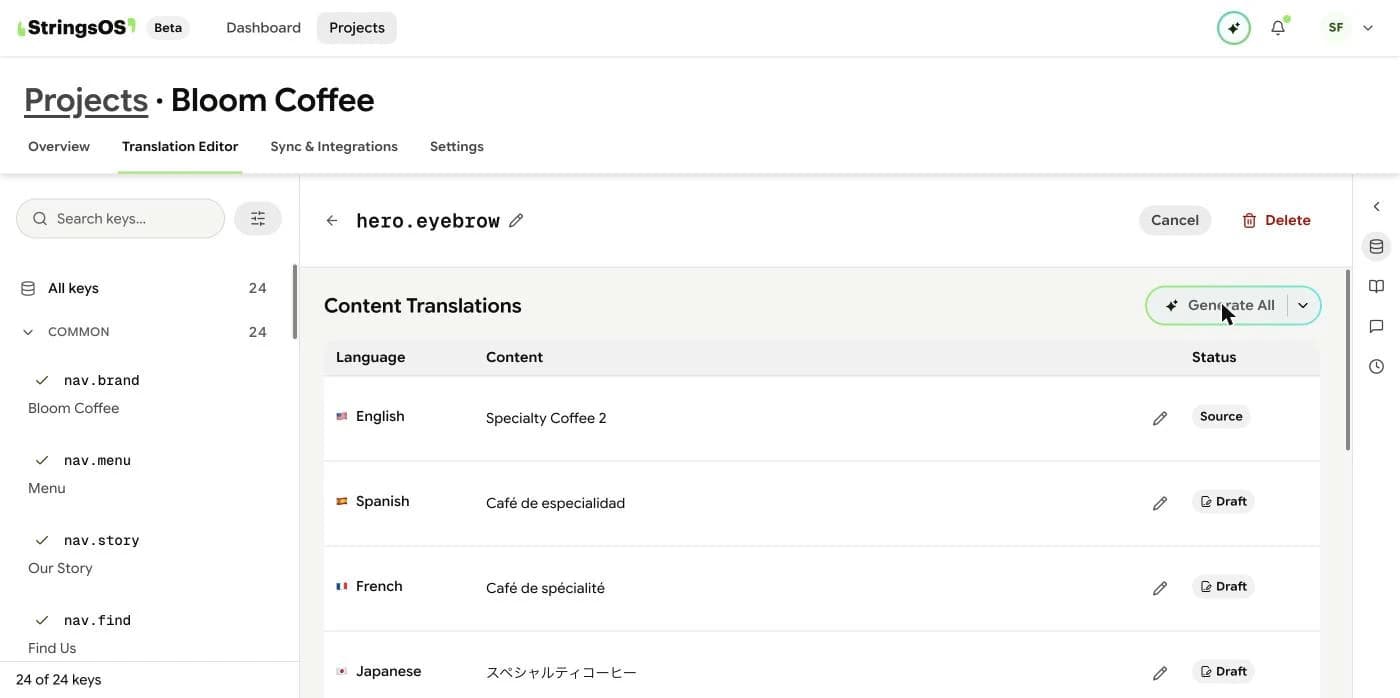
In the translation editor, pick any untranslated text and choose Generate. AI looks at your original text, the language you’re translating into, and nearby text for context. The suggestion appears in the editor, ready for you to edit or accept.
Your call
StringsOS never applies a suggestion on its own. You accept it, and it becomes a Draft. If someone edits an AI-written translation, or a change is made directly in a connected GitHub repository, StringsOS records it as an Override, so you can always see what happened.
Already have translation files? Import them into StringsOS.
Try an AI suggestion on your first piece of text.
Free during beta · No credit card required